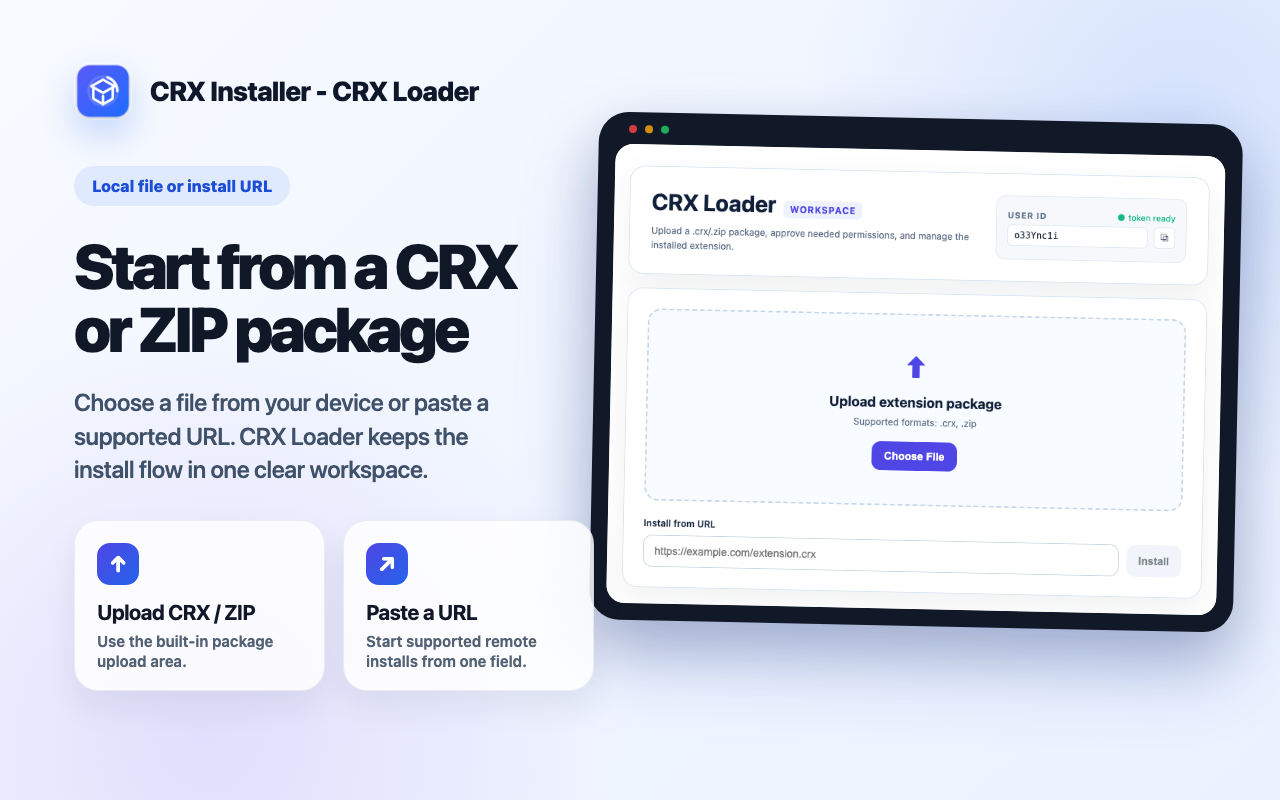
CRX and ZIP install workflow
Upload a local .crx or .zip package, or start from a supported install URL. CRX Loader extracts package details and guides the install flow.
CRX Loader features
CRX Loader combines package installation, permission review, hosted popup/options access, update checks, and uninstall cleanup in one workspace.
Upload a local .crx or .zip package, or start from a supported install URL. CRX Loader extracts package details and guides the install flow.
Before continuing, review the permissions requested by the package. This keeps the workflow intentional and visible.
When a package includes popup or options pages, CRX Loader can host those pages inside the workspace so you can interact with supported extension UI.
Check for updates when supported and remove installed package data when you no longer need it.
Keep the active package name, icon, version, status, and actions together instead of scattering the workflow across browser settings.
Keep package details, permission decisions, supported pages, status, updates, and uninstall cleanup close together instead of scattering the workflow across browser settings.
Read FAQ