
No mirror positioning
CRX Loader is not a CRX download mirror or scraper.
Install and manage Chrome extensions from CRX or ZIP files in a secure loader workspace. Upload a package, review requested permissions, run supported popup/options pages, check updates, and uninstall cleanly.
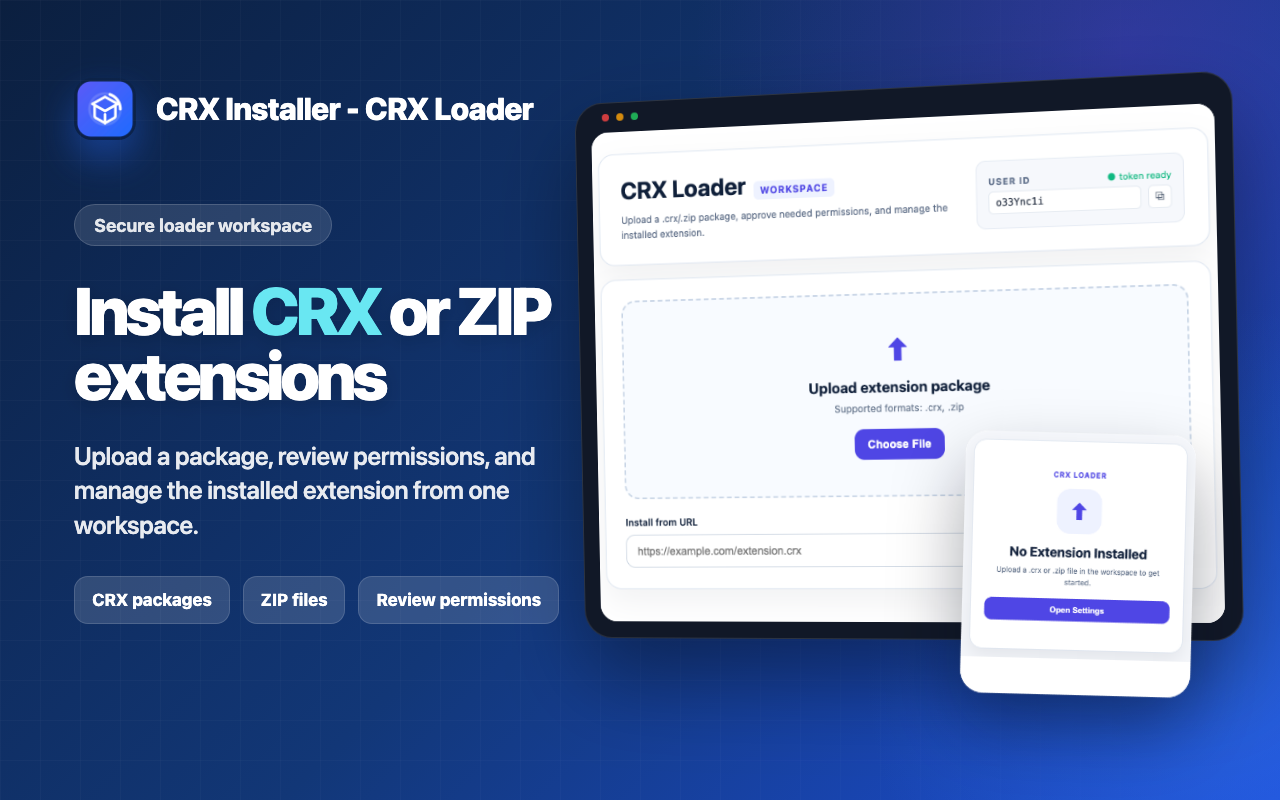
CRX Loader is designed for packages you choose. Bring a CRX file, a ZIP package, or a supported install URL, then follow a clear workflow that shows what is happening before, during, and after installation.
CRX Loader is not a CRX download mirror or scraper.
Review requested permissions before continuing.
Keep package state, version, popup/options access, and uninstall controls in one place.
CRX Loader turns scattered manual extension workflows into one structured workspace. It supports local uploads, URL installs, permission review, hosted extension pages, update checks, and cleanup when you uninstall.
Upload a .crx package and install it through a guided workflow.
Work with ZIP extension packages and local builds without manually juggling every file.
See what the package requests and continue only after confirming.
Run supported extension popup and options pages inside hosted containers.
Run update checks when the installed package supports them.
Remove package data and return to an empty workspace.
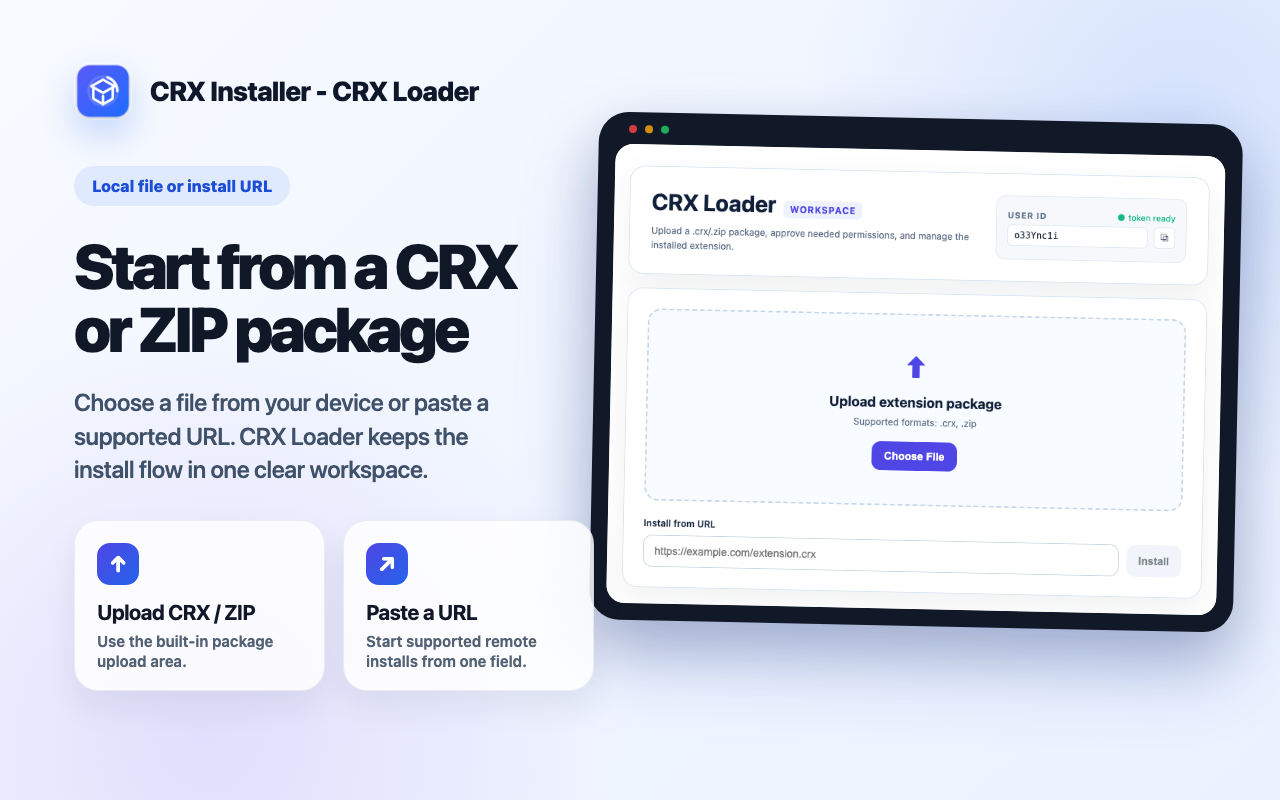
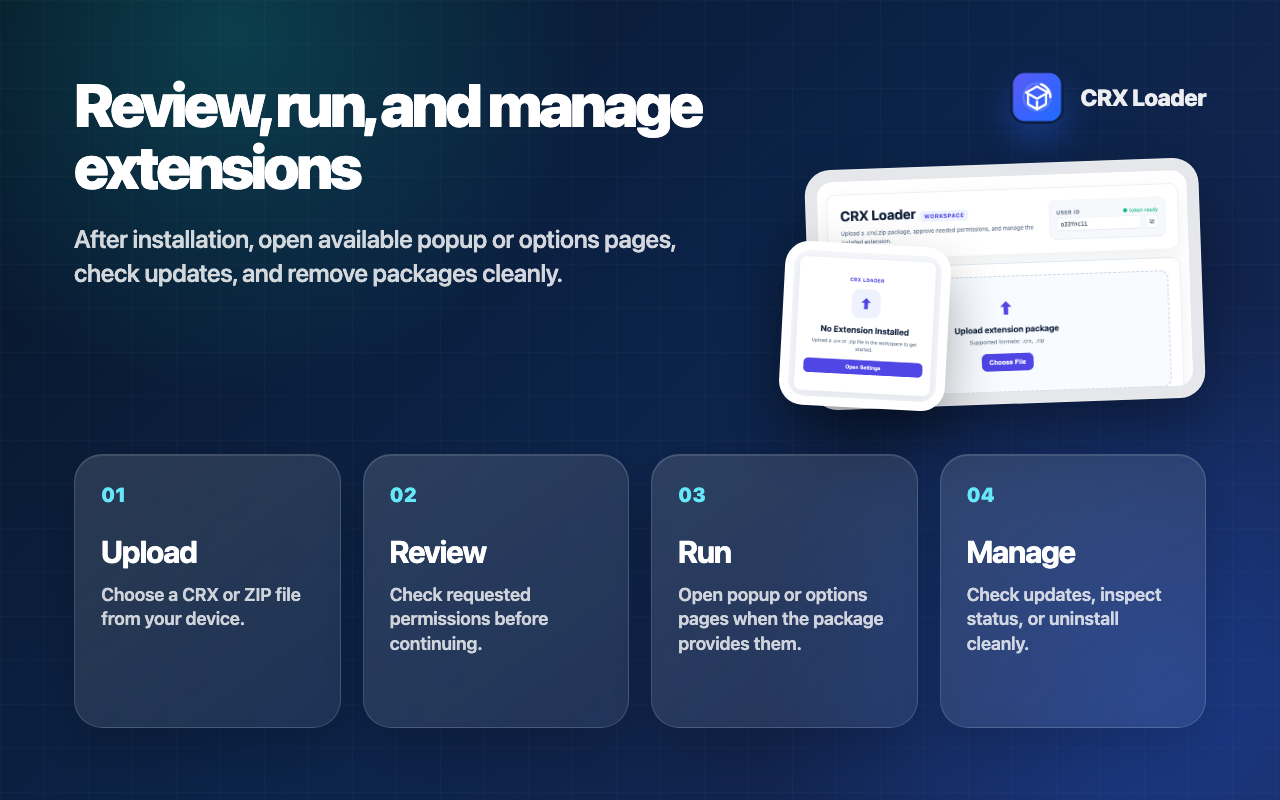
Start with a package, review what it needs, install it into the workspace, then manage it from a single interface.
Choose a CRX or ZIP file, or provide a supported install URL.
Inspect package details and requested permissions.
Open available popup/options pages through CRX Loader.
Check updates, inspect status, and uninstall with cleanup.
Whether you are testing an extension build, working with a CRX file you already have, or organizing an offline Chrome extension install, CRX Loader gives you a more visible workflow than a one-off manual process.
Inspect a ZIP or CRX package before using it.
Keep the current extension package visible and manageable.
Use one workspace instead of repeatedly opening developer-mode screens.
CRX Loader stores the data it needs to install and manage the package you choose. It does not sell user data, does not use data for advertising profiles, and keeps the focus on core extension package management.
Package files, metadata, version, and runtime state are stored for the workspace.
Installation begins only after you choose a package or supported URL.
Optional capabilities are requested only when needed for the package workflow.
Read answers about CRX files, ZIP packages, permission review, update checks, and how CRX Loader differs from CRX download tools.
Read FAQInstall CRX Loader, bring your own extension package, and use a clear workflow for permission review, hosted pages, updates, and cleanup.
Get CRX Loader